TH18 Progress Base – Parallel Upgrade Lanes
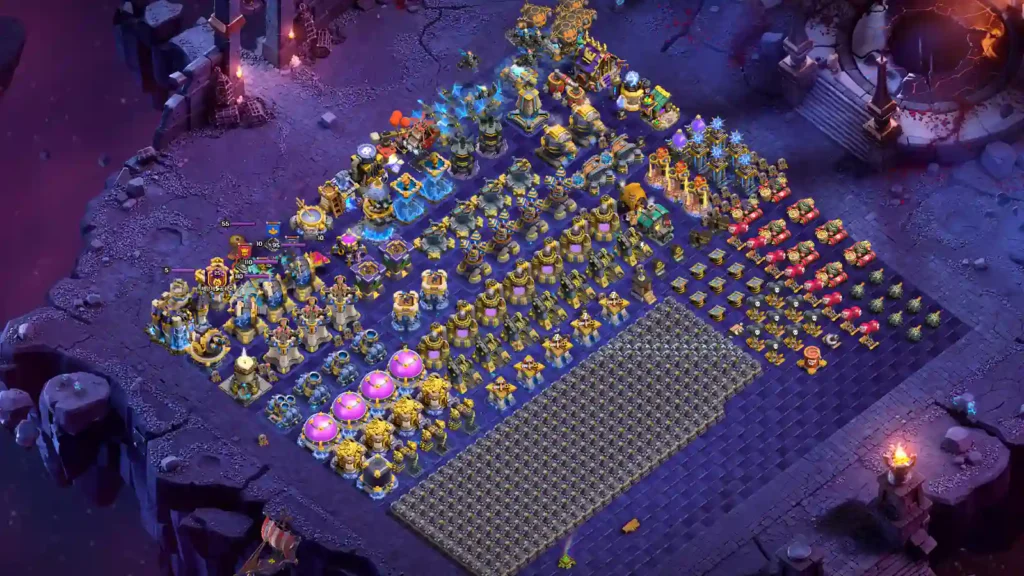
TH18 progress base with parallel upgrade lanes that arrange buildings in clear rows for planning. Use it while upgrading at Town Hall 18 and tracking where your next work should…
Download/Copy This Base
Opens the official Clash of Clans layout link. Check the preview in game before you replace your current layout.
Base Layout Analysis
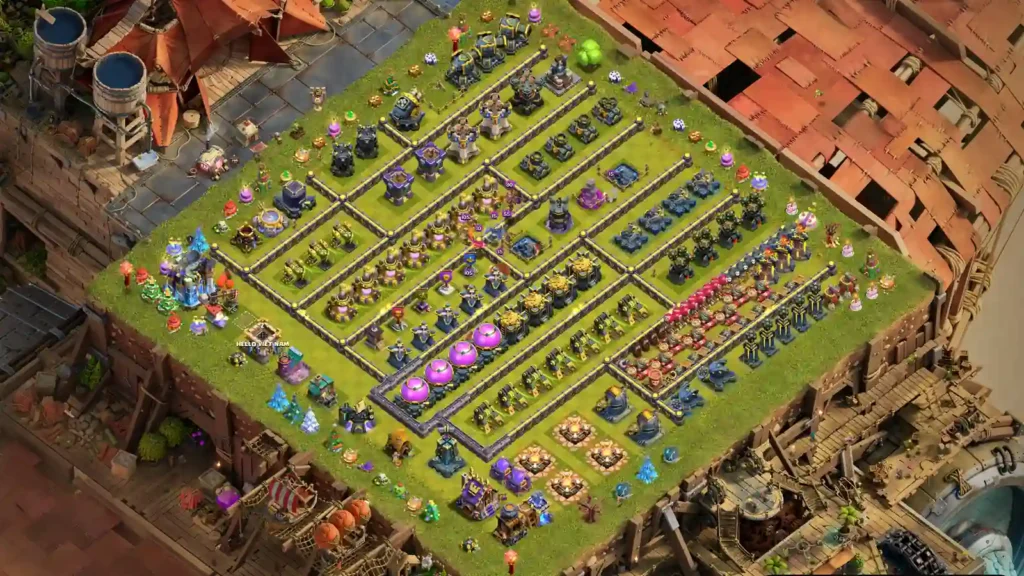
This TH18 Progress Base uses parallel upgrade lanes to organise the village like a visible builder queue. Long wall lines divide the layout into clean rows, with building categories arranged along those lanes for quick comparison and selection. The lanes are the feature, and there’s no picture drawn in the walls.
Upgrade Organisation
The village is arranged for sequence and clarity. Similar buildings sit in organised rows instead of being scattered through a defensive structure, allowing a player to inspect a whole category at once. Each lane can act as a simple upgrade queue: identify the unfinished structure in that row, assign a builder, then move to the next category. This is especially convenient when planning several upgrades during one session.
Wall Management
The parallel walls are genuine organisation lanes rather than decorative wall patterns. They keep building rows visually separate and allow wall upgrades to be tracked without losing the order of the village. Because the wall sections are long and clearly visible, a player can work through them gradually while still seeing which parts of the wall project remain.
Building Groups
Defences occupy clear rows throughout the layout, while resource buildings and other village structures stay in their own visible areas. Hero-related structures remain easy to find instead of being hidden among every row. This makes it simple to decide whether the next builder should focus on heroes, defences, storages or walls.
Working Layout
The lane spacing leaves enough room to tap individual structures comfortably and keeps an active upgrade from concealing the rest of its category. The result is a highly practical progress-management layout. It should be changed before using the village for normal trophy, loot or war defence.
Priorities
- Builder-queue upgrade planning
- Row-by-row wall and building tracking
Trap placement
Along the 4 o’clock boundary, red Air Bombs form a long line below the row of Air Defenses. I’d scout that line before using an air group across the right-hand upgrade rows.
Defense mechanics
Long parallel wall strips make the plot look like a set of diagonal lanes. I can check one row of similar buildings at a time and spot uneven upgrades. The Hall sits outside on the left, and the Elixir Storages line up near the lower-left lane ends. Open ends give attacking troops routes between those groups.
Base design
Every lane in this base works as a queue. I pick a lane, find the one building in it that’s behind, start that upgrade and move to the next lane. Because the wall lines double as lane dividers, walls and buildings share the same order and I don’t lose my place between sessions. The Town Hall on the left is the only piece that sits off the lanes.
Before You Download/Copy This Base
- Match the Town Hall. This layout is for TH18. Buildings you have not unlocked stay in the builder bar.
- Check the layout. Check whether the wall and building groups suit your upgrade plan.
- Adjust to your village. Move the display groups as your upgrade list changes.
More TH18 Bases