TH18 Progress Base – Open-Plot Upgrade Rows and Wall Blocks
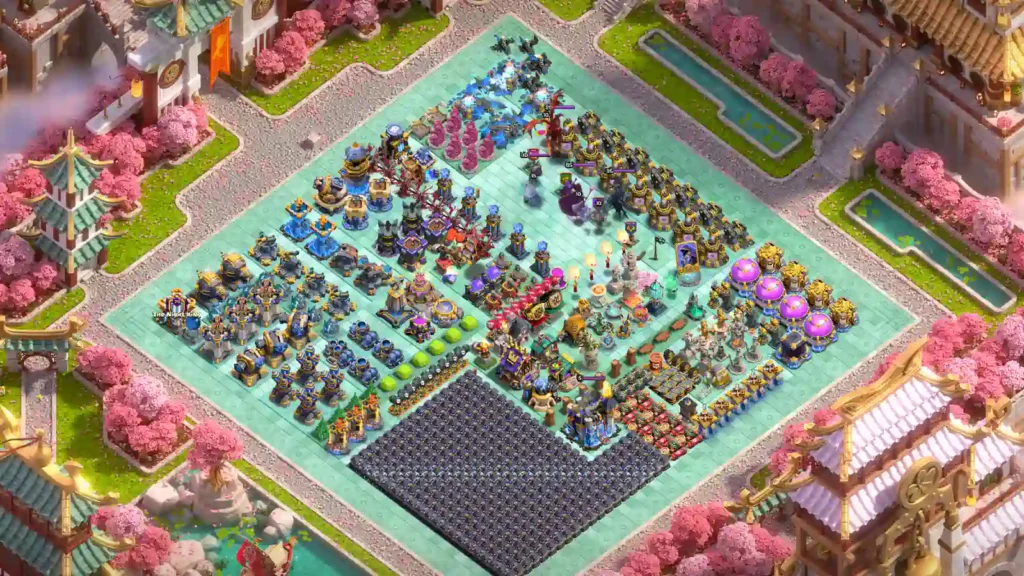
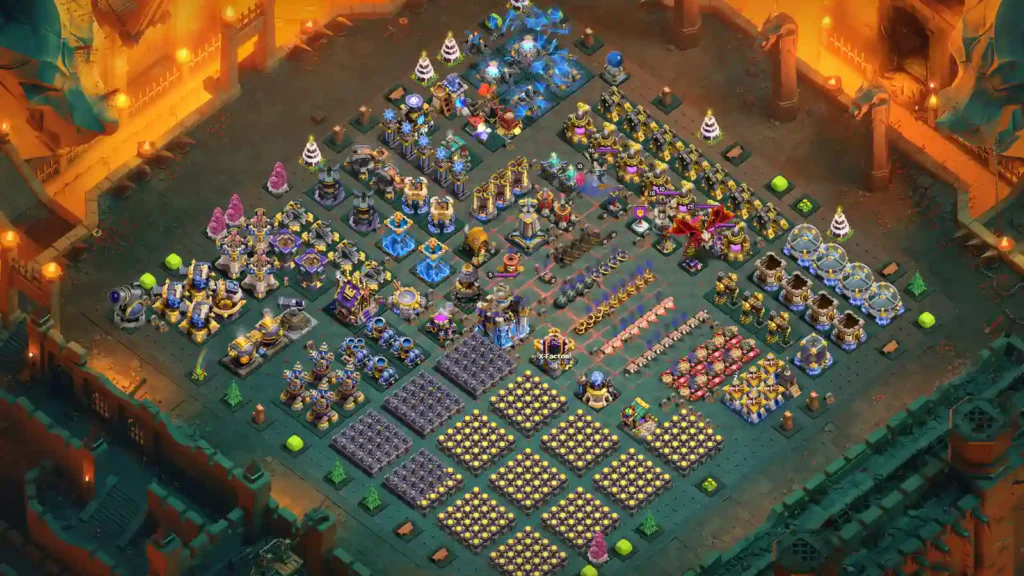
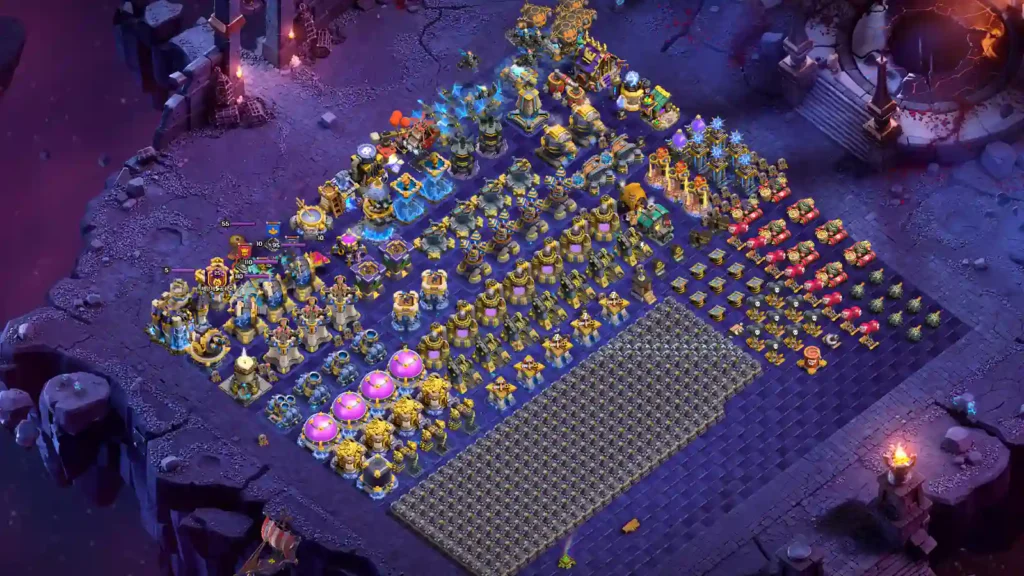
This progress layout uses the left side as an organised wall collection, with other buildings arranged in readable rows around an open plot. A player can use the separation to…

Download/Copy This Base
Opens the official Clash of Clans layout link. Check the preview in game before you replace your current layout.
Base Layout Analysis
This progress layout uses the left side as an organised wall collection, with other buildings arranged in readable rows around an open plot. A player can use the separation to inspect building groups and wall pieces while planning the next rearrangement.
Trap placement
On the 4 o’clock edge, red Air Bombs are lined up below the Gold Storages, with the dark skull-marked mines in a separate row above them. I would check those rows before testing an air entry from the right.
Defense mechanics
A block of wall squares covers the lower left, with straight building rows across the upper half and right side. I can scan one upgrade group at a time and spot a building that differs from its neighbors. The lower Hall and resource rows are exposed, so I’d use the layout for checking progress between raids.
Base design
The left side is my wall corner: a block of squares I count from the bottom up. The building rows across the top and right are straight enough that one look along a row shows the odd building out. With the Town Hall low beside the resource rows, I can check storage levels and Hall progress in the same glance.
Before You Download/Copy This Base
- Match the Town Hall. This layout is for TH18. Buildings you have not unlocked stay in the builder bar.
- Check the layout. Check whether the wall and building groups suit your upgrade plan.
- Adjust to your village. Move the display groups as your upgrade list changes.
More TH18 Bases