TH13 Progress Base Layout | Skull Design Resource Base
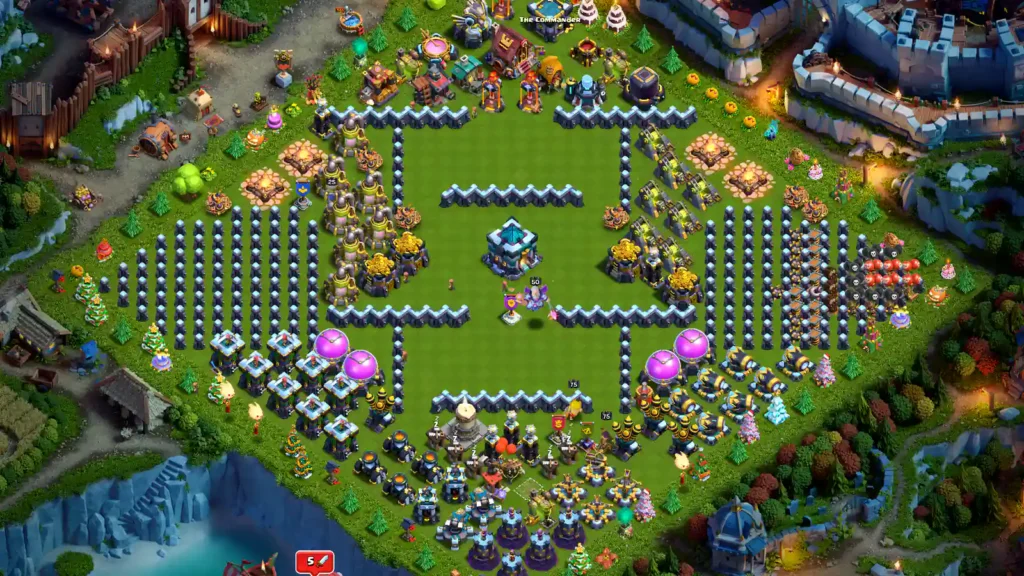
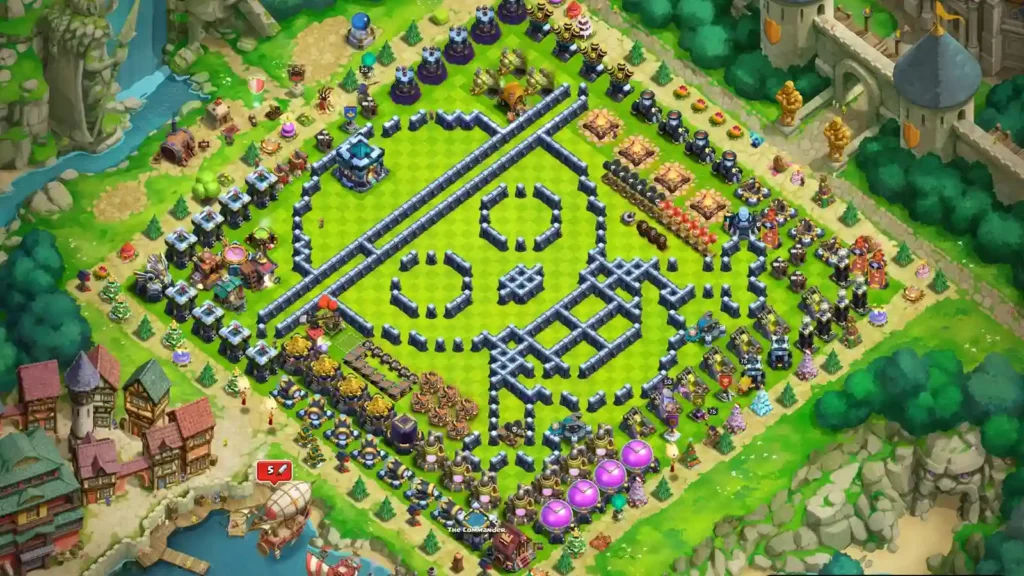
This is a display layout whose walls visibly make a skull-like face, with other buildings framing the design. It is useful to describe as a progress or showcase arrangement while…
Download/Copy This Base
Opens the official Clash of Clans layout link. Check the preview in game before you replace your current layout.
Base Layout Analysis
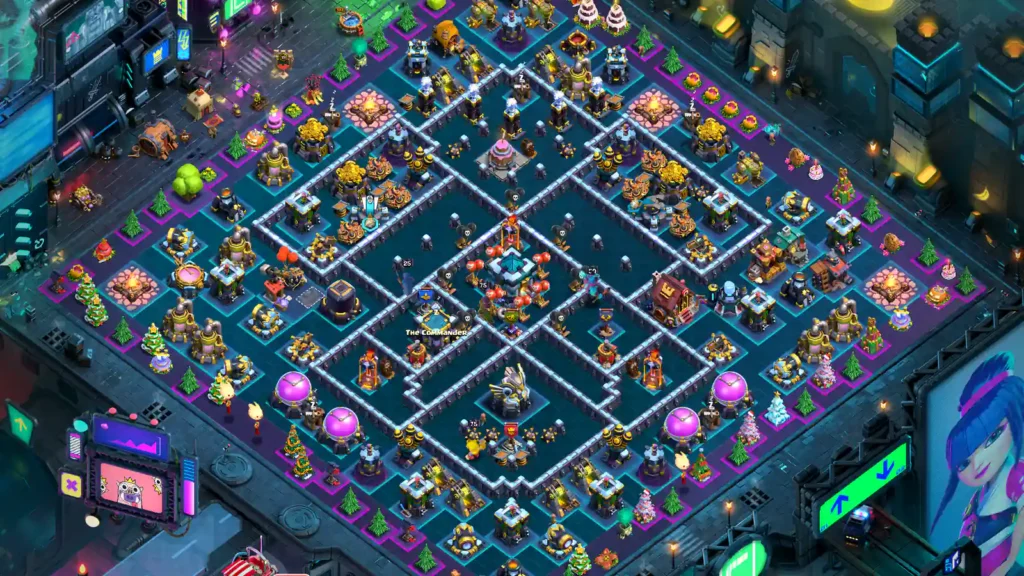
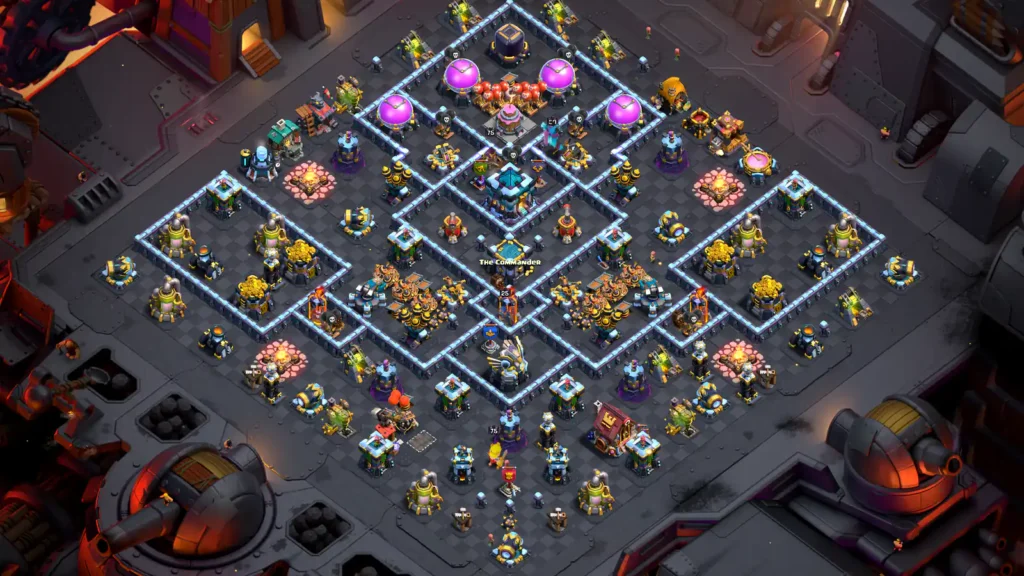
This is a display layout whose walls visibly make a skull-like face, with other buildings framing the design. It is useful to describe as a progress or showcase arrangement while keeping upgrade and battle claims out of the caption.
Trap placement
The trap rows are displayed around 2 o’clock beside the Army Camps, above-left of the right-side Inferno. Red Air Bombs and black Seeking Air Mines are visible in separate lines. I’d use those rows to check the trap arrangement in the editor, rather than read them as a defensive funnel.
Defense mechanics
The large face drawn in walls takes up most of the center. The Hall is upper-left, the Eagle is farther left, and the Infernos are grouped along the right edge. This is a display arrangement with buildings sorted around the wall art.
Counter-attacks to test
I’d check that the saved copy keeps the wall face and the grouped buildings intact. A defense test here would mainly show what happens while the account is left in its progress layout. Before a war test, switch to a separate defensive layout and check the active base slot.
Before You Download/Copy This Base
- Match the Town Hall. This layout is for TH13. Check which buildings are unlocked; missing ones stay in your builder bar.
- Check the layout. Check whether the wall and building groups suit your upgrade plan.
- Adjust to your village. Check your current upgrade list, then adjust the wall and building groups.
More TH13 Bases