TH18 Progress Base – Open-Field Perimeter Clusters
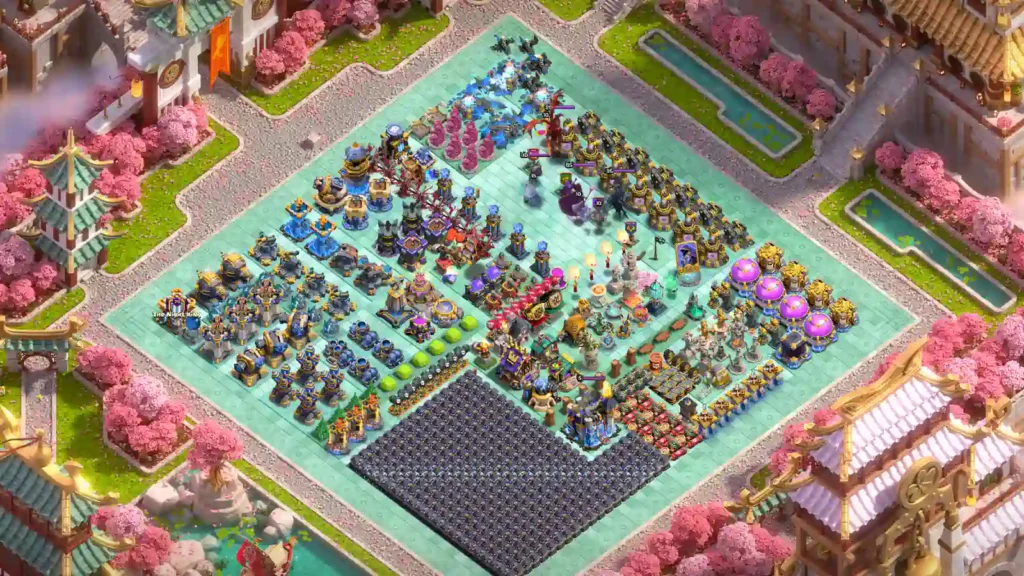
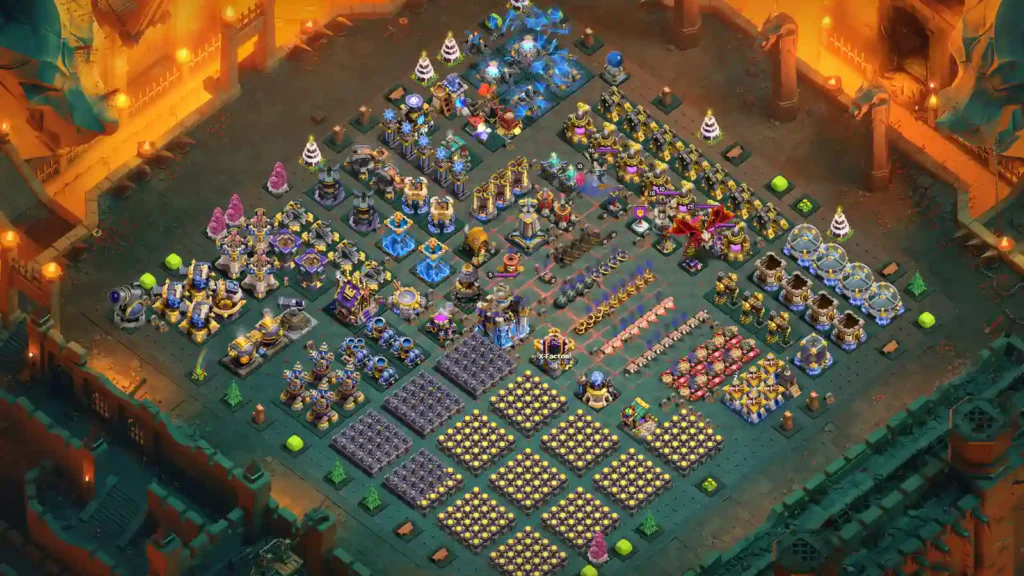
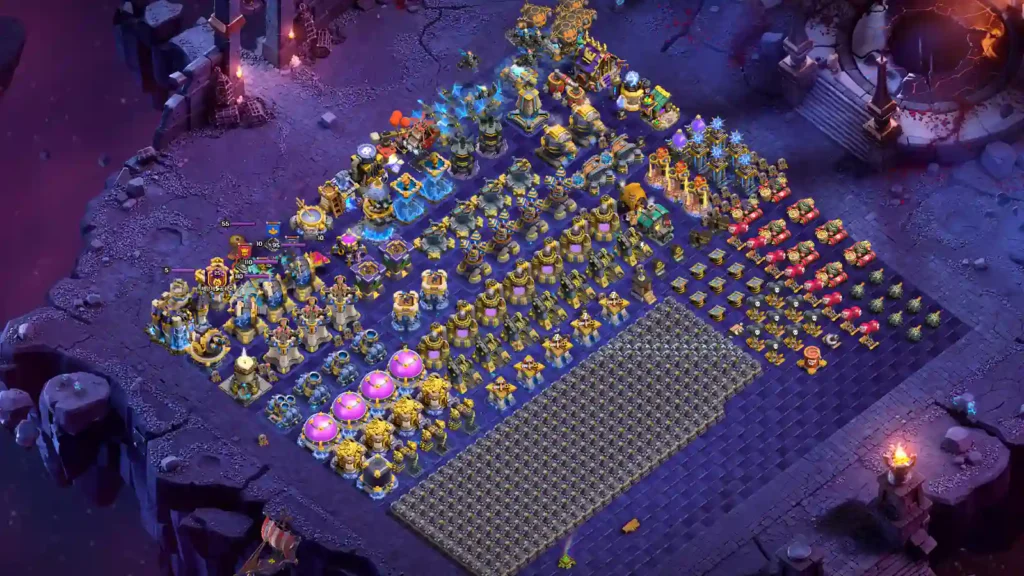
TH18 progress base with open-field perimeter clusters that leave clear areas around upgrade groups. Use it to organise Town Hall 18 progress while keeping buildings simple to review.
Download/Copy This Base
Opens the official Clash of Clans layout link. Check the preview in game before you replace your current layout.
Base Layout Analysis
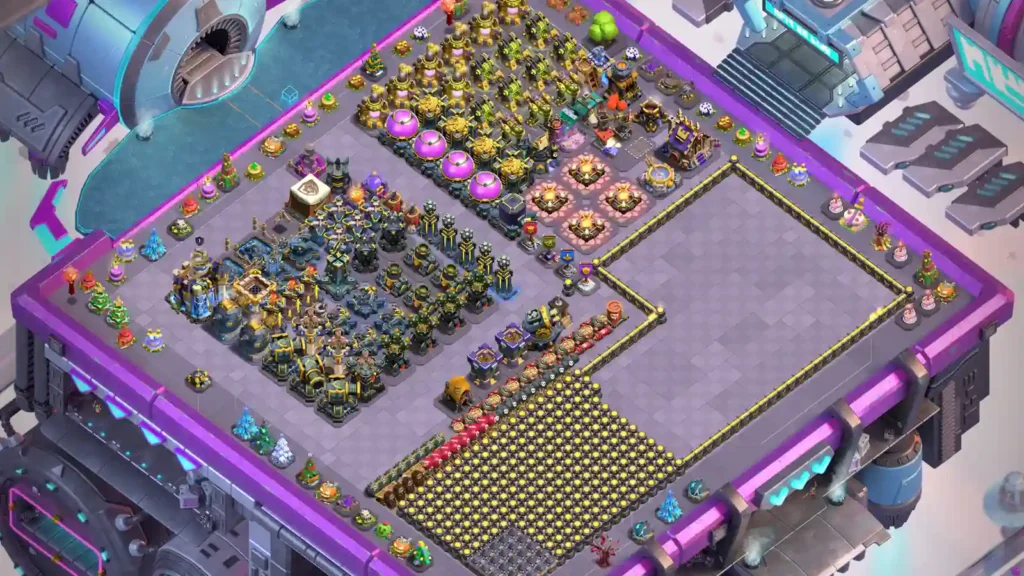
This TH18 Progress Base uses a broad open field with compact building clusters around the perimeter. The large clear area is there for organisation, not to draw a picture. I’d call it an open-field perimeter layout, built for a spacious overview of the village while managing upgrades.
Upgrade Organisation
The left, upper and lower sides hold clear groups of village structures, allowing a player to move quickly between defences, resources, heroes and utility buildings. The open field prevents those categories from blending together, making incomplete upgrades easier to identify. It is a useful layout for reviewing a developed TH18 village without the visual density of a normal defensive base.
Wall Management
A substantial wall reserve is kept separate from the main building clusters. This gives walls their own identifiable area and allows the player to check their progress without mixing them into every other upgrade category. It is less focused on wall batches than Base 6, but still gives wall work a clean and visible place in the village.
Building Groups
Building clusters around the perimeter keep resource structures recognisable and allow defensive groups to be reviewed together. Hero-related buildings are also easy to locate instead of being hidden inside a conventional base structure. This arrangement is helpful when choosing whether the next builder should be used for a defence family, hero upgrade, storage or wall section.
Open Working Space
The large open field gives the village visual breathing room and makes temporary reorganising easier. Its actual purpose is clean village management, so it should be switched away from before relying on normal multiplayer protection.
Priorities
- Spacious upgrade management
- Clear wall and building separation
Trap placement
Under the Mortar and Archer Towers near 6 o’clock, red Air Bombs run along the top-left edge of the stacked wall block. I would watch that strip if an air entry crosses from below toward the defense group.
Defense mechanics
The plot is split into a defense block on the left, resource rows at the top, stacked walls below, and a large empty square on the right. I can use those separate groups to review upgrades without searching between compartments. The storages remain open to attackers, so the display is easier to inspect than to defend.
Base design
With this much open field, I use the middle as a parking spot when I rearrange: drop a building there, upgrade the group it came from, then put it back. The wall reserve sits apart from the clusters, so I count it as one stack instead of chasing pieces around the edge. Each side of the perimeter holds its own family of buildings, and I work through them left, top, then bottom.
Before You Download/Copy This Base
- Match the Town Hall. This layout is for TH18. Compare the image with your village before placing any missing buildings.
- Check the layout. Check whether the wall and building groups suit your upgrade plan.
- Adjust to your village. Use the grouping as a starting point and change it to match your village.
More TH18 Bases