TH16 War Base – Offset Town Hall with Split Wing Compartments
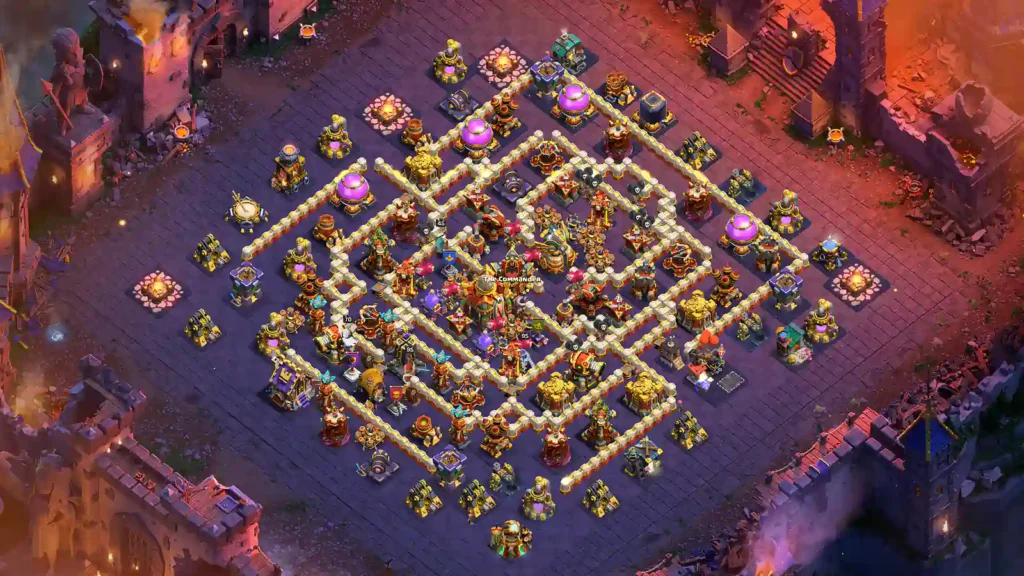
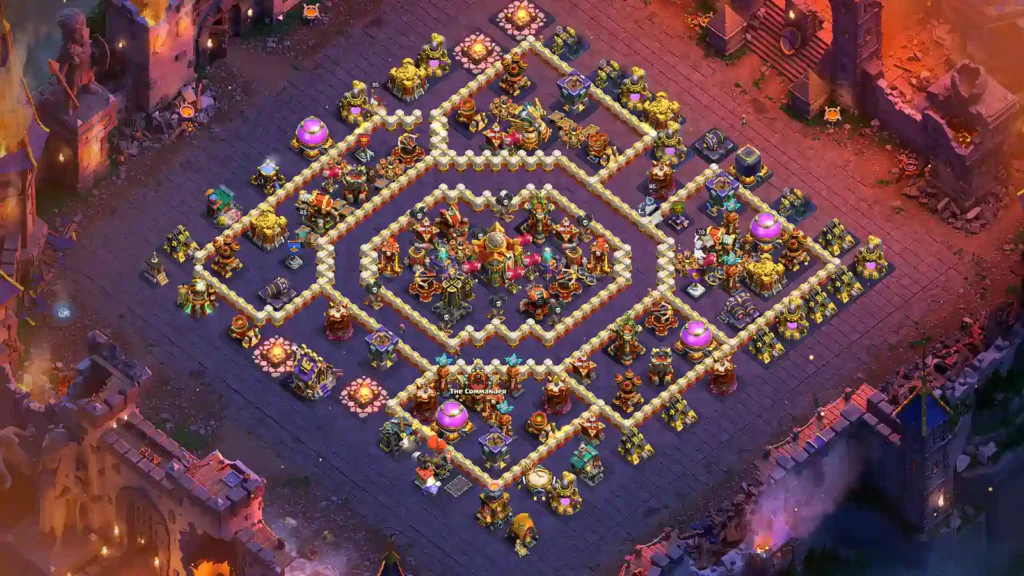
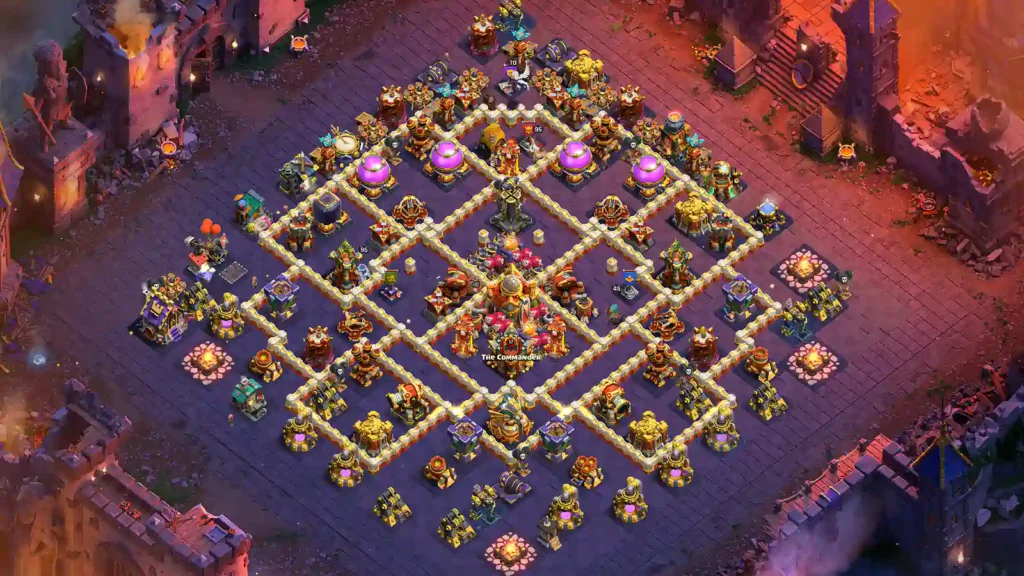
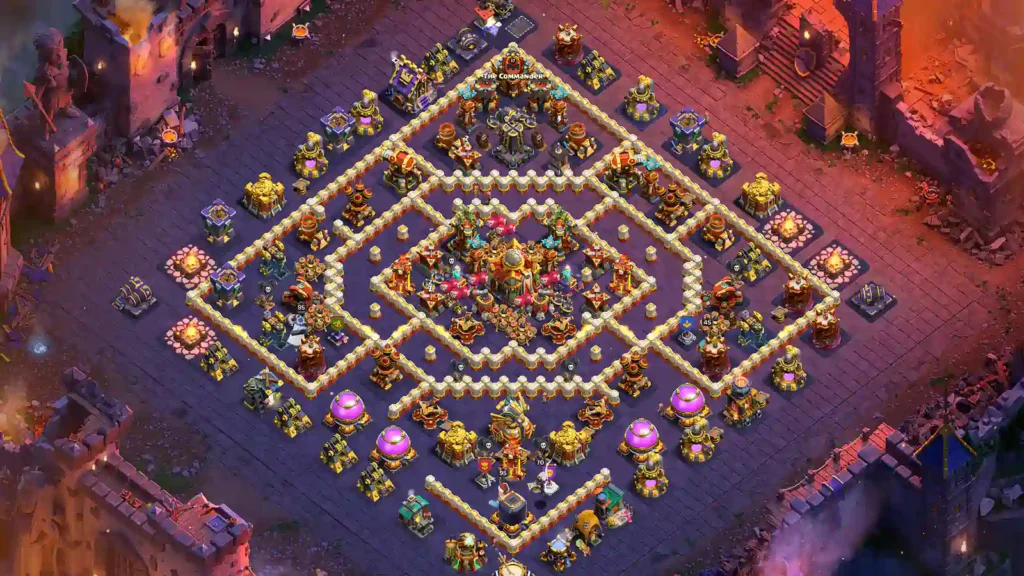
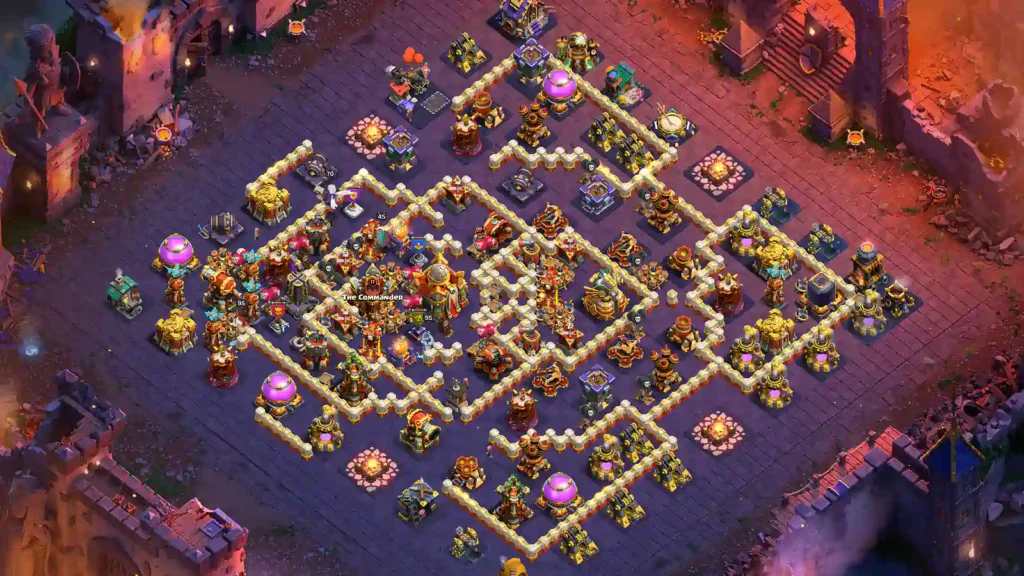
TH16 War Base with an offset Town Hall, separated defensive wings and layered compartment depth across a wide horizontal footprint.
Download/Copy This Base
Opens the official Clash of Clans layout link. Check the preview in game before you replace your current layout.
Base Layout Analysis
The wings make the footprint broad while the Town Hall remains off centre. A player can test entries from either wing and compare how quickly each route reaches the inner target.
Trap placement
On the 7 o’clock side of the inner grid, red Air Bombs sit below and right of the Town Hall beside the lower wall opening. I’d check that crossing if an air group approaches from below.
Defense mechanics
The Hall and Clan Castle sit left of center in a tight knot of rooms. The Eagle has a separate box to the right, and a lower pointed compartment sits apart from that crowded area. Open spaces between rooms can send an army around the nearest wall corner.
Where I’d attack it
I’d compare a left entry into the Hall block with a right entry toward the Eagle. After the first room clears, watch whether the ground group crosses toward the other target or follows the wider outer route.
Before You Download/Copy This Base
- Match the Town Hall. This layout is for TH16. Buildings you have not unlocked stay in the builder bar.
- Check the layout. Compare the Town Hall entry and the space between the defensive compartments.
- Adjust to your village. Watch your next defense replay and adjust exposed buildings or traps if needed.
More TH16 Bases