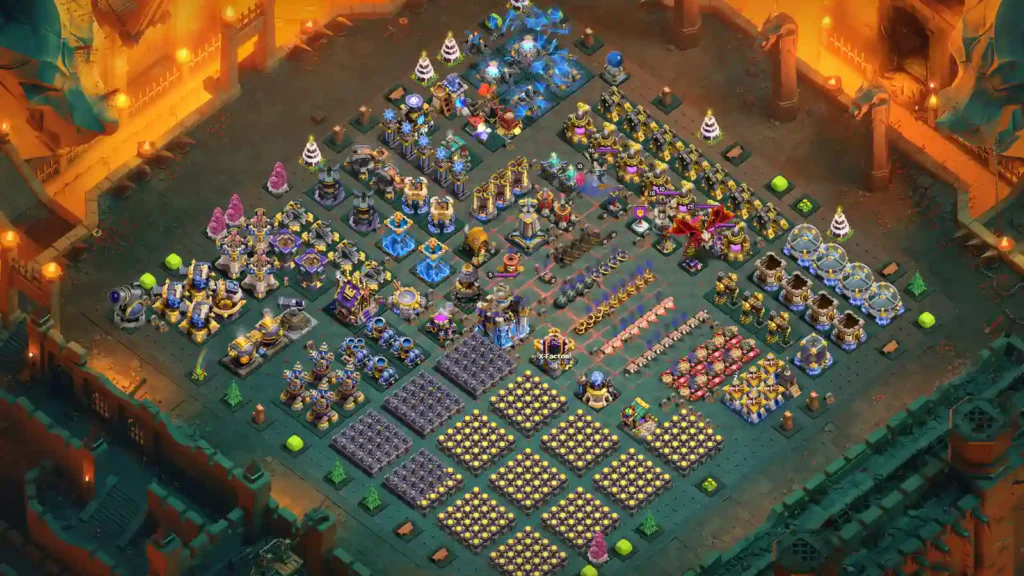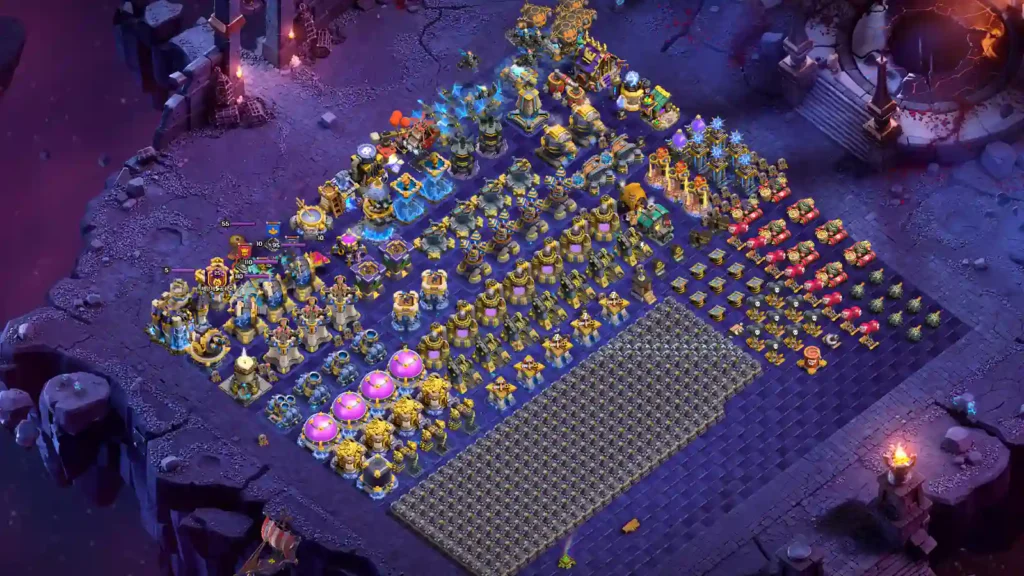
TH18 Progress Base – Walled Category Compartments
TH18 progress base with walled category compartments that group buildings by upgrade priority. Use it while developing Town Hall 18 and keeping the next upgrade choices easy to organise.
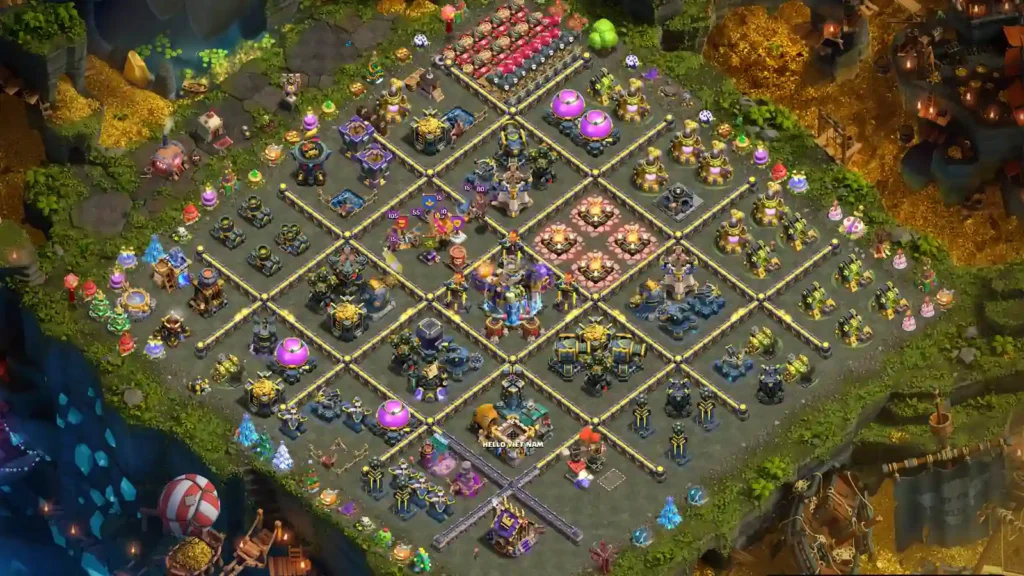
Download/Copy This Base
Opens the official Clash of Clans layout link. Check the preview in game before you replace your current layout.
Base Layout Analysis
This TH18 Progress Base is a compartmentalised upgrade layout, with walls creating separate zones for different building groups across the village. The pattern is structured rather than pictorial, and each compartment makes one upgrade family easy to find and compare.
Upgrade Organisation
The layout divides the village into multiple wall-separated sections, giving each category a deliberate working area. This is useful for players who want to track upgrades building by building instead of seeing the entire village as one large collection. A lower-level structure is easier to notice when it remains inside a dedicated category zone, and an active upgrade does not make the rest of the base difficult to read.
Wall Management
Here, walls work as organised dividers rather than as a defensive core or a wall-grind display. The wall network creates visible boundaries between building groups, keeping defences, resources and utility structures from blending together. It also allows the player to monitor wall progress alongside each category without treating the walls as a separate decorative design.
Building Groups
The central working area contains closely related village structures, while additional groups are held in individual outer compartments. Defences, storage buildings, hero-related structures and support buildings remain visibly separated. This arrangement is particularly helpful when deciding whether the next upgrade should improve a specific defence family, a resource building group, heroes or walls.
Working Layout
Clear lanes between the compartments preserve visibility and make each section comfortable to tap. The base reads like an upgrade dashboard rather than a multiplayer defence. It should be used when managing builders and checking village progress, then changed before relying on normal home-village protection.
Priorities
- Category-by-category upgrade tracking
- Structured village organisation
Trap placement
Above the upper-right Elixir Storages at 12 o’clock, red Air Bombs and dark skull-marked mines fill the top display box. I’d check that block when testing an air approach from the top.
Defense mechanics
The walls make a diamond grid, with each box holding a building group. The Hall is near the middle, beside a square of Army Camps. I can work box by box when checking upgrades and compare similar buildings without searching through a war layout. The grid also leaves the storage boxes open from several sides.
Base design
The diamond grid gives every building family its own box, so I plan upgrades box by box. I start at the middle, where the Town Hall sits next to the square of Army Camps, and work outward. The walls double as the box borders, which means upgrading a wall line also tidies the edge of a compartment.
Before You Download/Copy This Base
- Match the Town Hall. This layout is for TH18. Check which buildings are unlocked; missing ones stay in your builder bar.
- Check the layout. Check whether the wall and building groups suit your upgrade plan.
- Adjust to your village. Check your current upgrade list, then adjust the wall and building groups.
More TH18 Bases